
This GitHub Copilot Visual Studio course is designed for developers who want to take full advantage of AI-powered development inside Microsoft Visual Studio. The course explores how Copilot transforms traditional coding by reducing boilerplate code, improving productivity, and enabling intelligent automation across the entire development workflow.
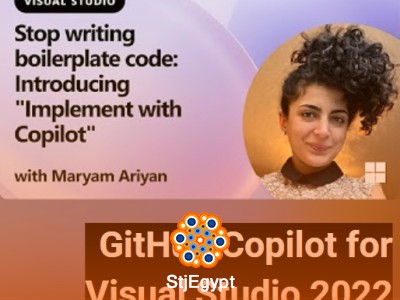
Students will learn how to use advanced features such as Implement with Copilot, Next Edit Suggestions, and automatic code adjustments when pasting code. The course also introduces Agent Mode, which allows developers to delegate complex tasks to AI and streamline application development.
A key focus of the course is building real applications from scratch using GitHub Copilot and Visual Studio, giving learners hands-on experience in AI-assisted software engineering. The course also covers debugging, testing, exception handling, and performance profiling, showing how Copilot can assist in maintaining high-quality code.
In addition, learners will explore advanced capabilities such as prompt engineering with images, tool calling, MCP integration, and even using external AI models like Claude with Copilot. Custom instructions and personalization features are also covered to help developers tailor AI behavior to their needs.
By the end of the course, students will be able to confidently use GitHub Copilot in Visual Studio to build, debug, and optimize applications more efficiently, while leveraging the latest AI-driven development features.