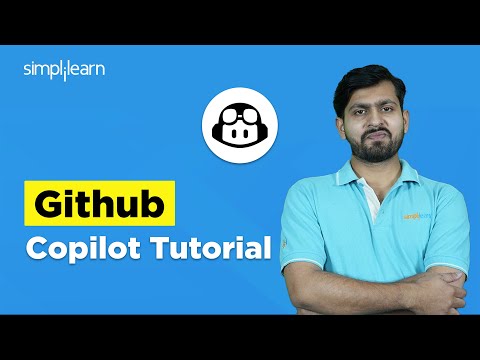
Introduction to GitHub Copilot: Tutorial & Demo for Developers
عدد الدروس : 1 عدد ساعات الدورة : شهادة معتمدة : نعم التسجيل في الدورة للحصول على شهادةللحصول على شهادة
- 1- التسجيل
- 2- مشاهدة الكورس كاملا
- 3- متابعة نسبة اكتمال الكورس تدريجيا
- 4- بعد الانتهاء تظهر الشهادة في الملف الشخصي الخاص بك
قائمة الدروس
عن الدورة
GitHub Copilot is an AI-powered code completion tool that helps developers write code efficiently. In this tutorial, you’ll get a step-by-step introduction to GitHub Copilot, starting from installation and setup in Visual Studio Code.
Through a live demo, you’ll see how Copilot can generate code snippets, assist in API calls, handle errors, and speed up development in real-time. The tutorial also highlights best practices, tips, and the limitations of relying on AI coding suggestions, ensuring you use Copilot effectively in your projects.
Whether you’re a beginner looking to explore AI-assisted coding or an experienced developer seeking to streamline your workflow, this tutorial equips you with the knowledge to maximize productivity and improve your coding skills using GitHub Copilot.