The Complete GitHub Copilot Course for Developers in Visual Studio
عدد الدروس : 9 عدد ساعات الدورة : 01:01:57 شهادة معتمدة : نعم التسجيل في الدورة للحصول على شهادةللحصول على شهادة
- 1- التسجيل
- 2- مشاهدة الكورس كاملا
- 3- متابعة نسبة اكتمال الكورس تدريجيا
- 4- بعد الانتهاء تظهر الشهادة في الملف الشخصي الخاص بك
قائمة الدروس
عن الدورة
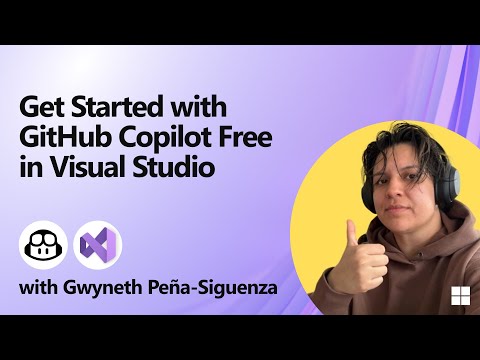
This comprehensive course gives Visual Studio developers everything they need to get the most out of GitHub Copilot. You’ll start by learning the basics of Copilot, including installation, setup, and seamless integration with the latest Visual Studio environment. Discover how to write code faster and avoid common mistakes using Copilot’s powerful debugging, exception handling, testing, and profiling features.
The course also covers project management with Multi-file Editing and customizing Copilot with Custom Instructions to generate precise suggestions tailored to your coding style. Learn how Copilot can automatically create commit messages, help you build complete apps from scratch using Agent Mode, and leverage Copilot Vision for handling images in your projects. Additionally, explore integrations with advanced AI models like Claude and Gemini to take your productivity and creativity to the next level.
By the end of the course, you’ll be able to accelerate app development, improve code quality, and utilize AI as a true coding partner, saving time and effort while working on real-world Visual Studio projects.