Excel Data Analytics Basics Full Course | Power Pivot, Pivot Tables & Advanced Excel Tips
عدد الدروس : 24 عدد ساعات الدورة : 01:16:52 شهادة معتمدة : نعم التسجيل في الدورة للحصول على شهادةللحصول على شهادة
- 1- التسجيل
- 2- مشاهدة الكورس كاملا
- 3- متابعة نسبة اكتمال الكورس تدريجيا
- 4- بعد الانتهاء تظهر الشهادة في الملف الشخصي الخاص بك
قائمة الدروس
عن الدورة
This Excel Data Analytics Basics course provides a practical introduction to working with data in Microsoft Excel. It is designed for beginners who want to improve their skills in data analysis, reporting, and Excel automation techniques.
The course begins with data modeling in Excel and Power Pivot, explaining how to structure and manage datasets efficiently. It also covers how to delete and manage tables in data models, helping users maintain clean and organized data structures.
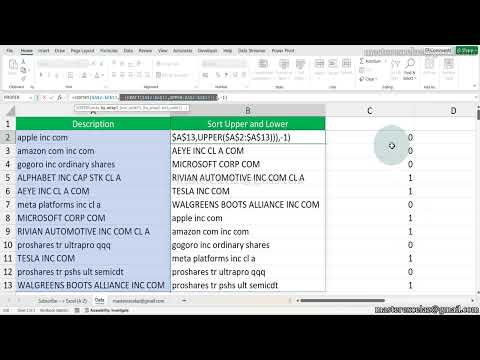
You will learn how to use pivot tables, including grouping and summarizing data for better insights. The course also introduces advanced Excel tips and tricks such as one-click sum calculations, multi-level sorting, and data formatting techniques.
In addition, it explains useful formulas like frequency functions for calculating unique and cumulative values, as well as techniques for splitting text using multiple delimiters. These skills are important for cleaning and preparing data for analysis.
The course also covers advanced search and analysis methods that help users find and process data efficiently in Excel.
By the end of this course, learners will have strong foundational skills in Excel data analytics, including data modeling, pivot tables, formulas, and productivity shortcuts used in real-world data tasks.