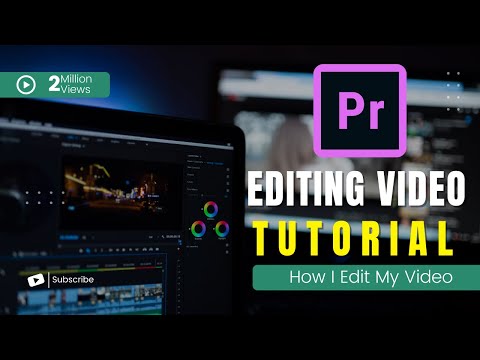
Adobe Premiere Pro Complete Tutorial – Premiere Pro CC Course for Beginners (2022)
عدد الدروس : 1 عدد ساعات الدورة : 00:43:45 شهادة معتمدة : نعم التسجيل في الدورة للحصول على شهادةللحصول على شهادة
- 1- التسجيل
- 2- مشاهدة الكورس كاملا
- 3- متابعة نسبة اكتمال الكورس تدريجيا
- 4- بعد الانتهاء تظهر الشهادة في الملف الشخصي الخاص بك
قائمة الدروس
عن الدورة
This complete beginner course is designed to help learners understand professional video editing using Adobe Premiere Pro CC. It provides a step-by-step introduction to the essential tools and editing workflows used in content creation and video production.
Students begin by learning the Premiere Pro CC interface, including workspace setup, timeline navigation, media import, and project organization. The course explains how to manage video assets efficiently and create a smooth editing workflow.
A major focus is core editing techniques such as cutting, trimming, splitting clips, and arranging footage to build clear and engaging videos. Learners will also explore transitions, visual effects, and basic motion controls to improve the quality and pacing of their edits.
The course includes beginner-friendly audio editing lessons, teaching how to adjust sound levels, sync audio, add music, and improve audio clarity. Students will also learn simple color correction techniques to enhance the visual appearance of footage.
In addition, learners will understand export settings and rendering methods for YouTube, social media, and other digital platforms. By the end of the course, students will have a strong foundation in Adobe Premiere Pro CC and the confidence to create complete video projects independently.